
File compression ratio: turning a 4:1 claim into real megabytes saved
A backup software vendor advertised '4:1 compression' and I assumed that meant my files would shrink by 4%, until I actually worked through what a ratio like that really means for total storage saved.
We write the way we argue on the bench: exact factor, one sharp trap, one worked example you can re-check.
A backup software vendor advertised '4:1 compression' and I assumed that meant my files would shrink by 4%, until I actually worked through what a ratio like that really means for total storage saved.
The factor below is the one that ends the argument — write it once, then stop improvising mid-job.
The factor that settles arguments
This is the relationship our converters use. Screenshot it if you have to — just stop re-deriving it from a half-remembered blog post.
At a 4:1 compression ratio, 1 GB original data → 0.25 GB compressed (25% of original size)
Write that line once at the top of your notes. Every later arithmetic step should point back to it instead of inventing a friendlier number mid-stream.
The mistake that keeps showing up
Misreading a compression ratio like 4:1 as a percentage reduction (assuming a small saving) instead of understanding it means the compressed file is a quarter of the original size — a much bigger saving.
I still write the unit next to every intermediate value. It looks pedantic until it catches the one swap that would have shipped wrong.
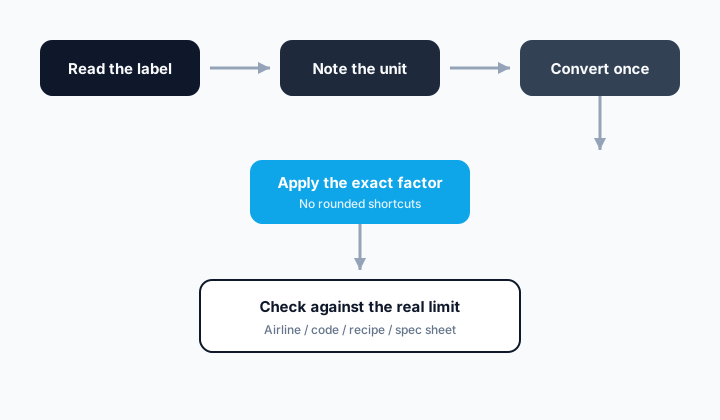
- Write down the known value in GB original.
- Confirm the target unit is really GB compressed (4:1 ratio), not a similar-looking one.
- Apply the factor: At a 4:1 compression ratio, 1 GB original data → 0.25 GB compressed (25% of original size).
- Round only at the end, to the precision your tool or spec supports.
Worked example
A backup tool claims 4:1 compression on a 12 GB dataset.
12 GB original × 0.25 = 3 GB compressed (4:1 ratio)
That's 3 GB compressed (4:1 ratio) — round only to the precision your tool or spec actually needs.
If you want a second check, invert the conversion and see whether you recover the original quantity within normal rounding.
Quick reference table
| GB original | Calculation | GB compressed (4:1 ratio) |
|---|---|---|
| 1 | 1 × 0.25 | 0.25 |
| 2 | 2 × 0.25 | 0.5 |
| 5 | 5 × 0.25 | 1.25 |
| 10 | 10 × 0.25 | 2.5 |
Use the table for speed once you trust the factor. Do not use it as a substitute for understanding which definition of the unit you are on.
Why the exact number matters
Storage and bandwidth planning depends on accurately estimating post-compression size — misreading a compression ratio can lead to badly under- or over-provisioning storage.
Precision is not about showing off decimals. It is about making sure the shopping list, the machine setting, and the acceptance check are all describing the same physical quantity.
Pocket recap
Divide the original size by the compression ratio to get the compressed size — a 12 GB dataset at 4:1 compresses to about 3 GB, a 75% reduction, not a 4% one.
Keep the converter link nearby for the next time the same debate shows up in a group chat. Re-typing the factor from memory is how the wrong cousin of a unit sneaks back in.
Try the converters mentioned in this article
FAQ
What is the exact GB original to GB compressed (4:1 ratio) factor here?+
At a 4:1 compression ratio, 1 GB original data → 0.25 GB compressed (25% of original size)
Should I round partway through the calculation?+
No — carry full precision through the multiplication and round only the final answer, to the precision your tool, gauge, or spec actually supports.
What's the single biggest mistake people make with this conversion?+
Misreading a compression ratio like 4:1 as a percentage reduction (assuming a small saving) instead of understanding it means the compressed file is a quarter of the original size — a much bigger saving.
This article was written by The Turbo Unit Converter engineering desk (Applied units & field metrology) and last reviewed on 2026-07-15 against NIST SP 811 and the BIPM SI Brochure. Read our full editorial policy.